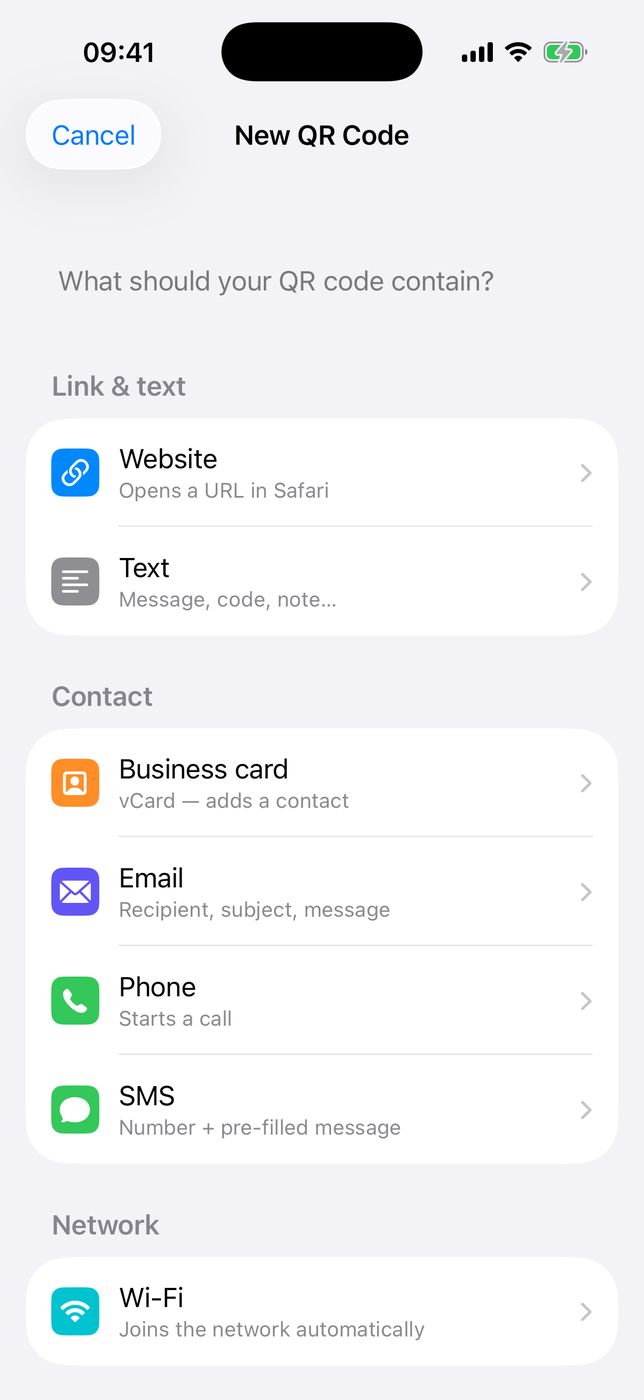
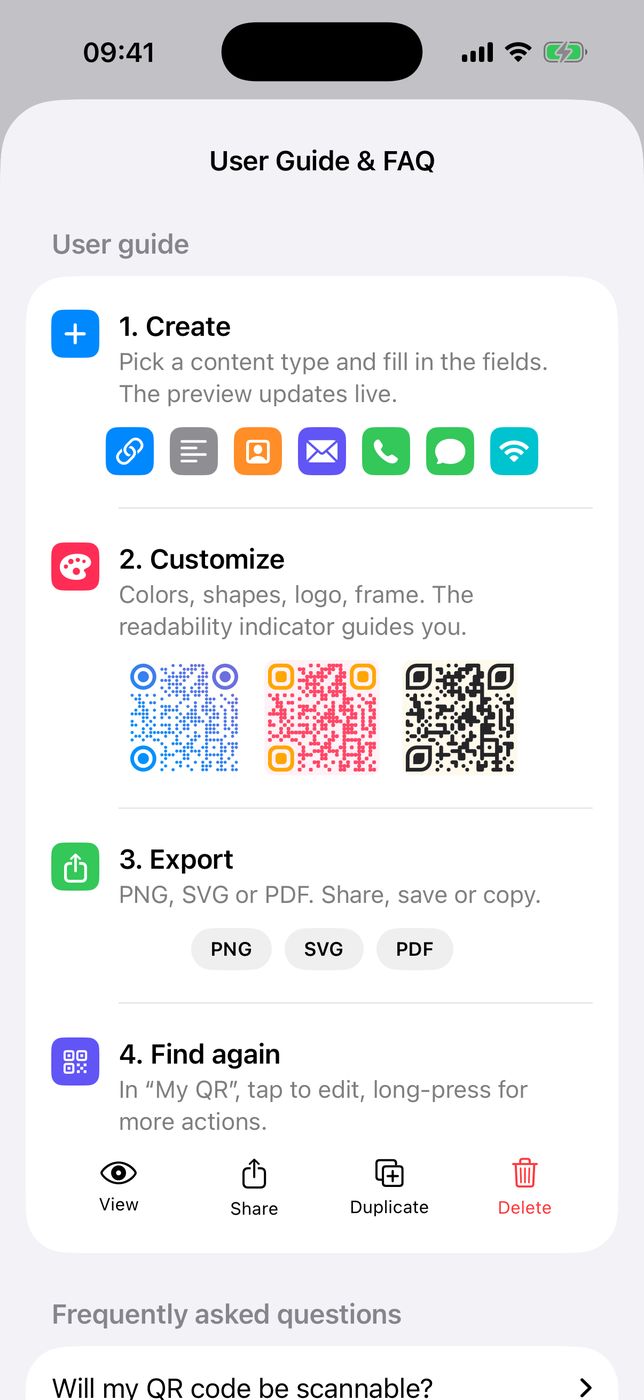
🔗 Sept types de contenuSeven content types
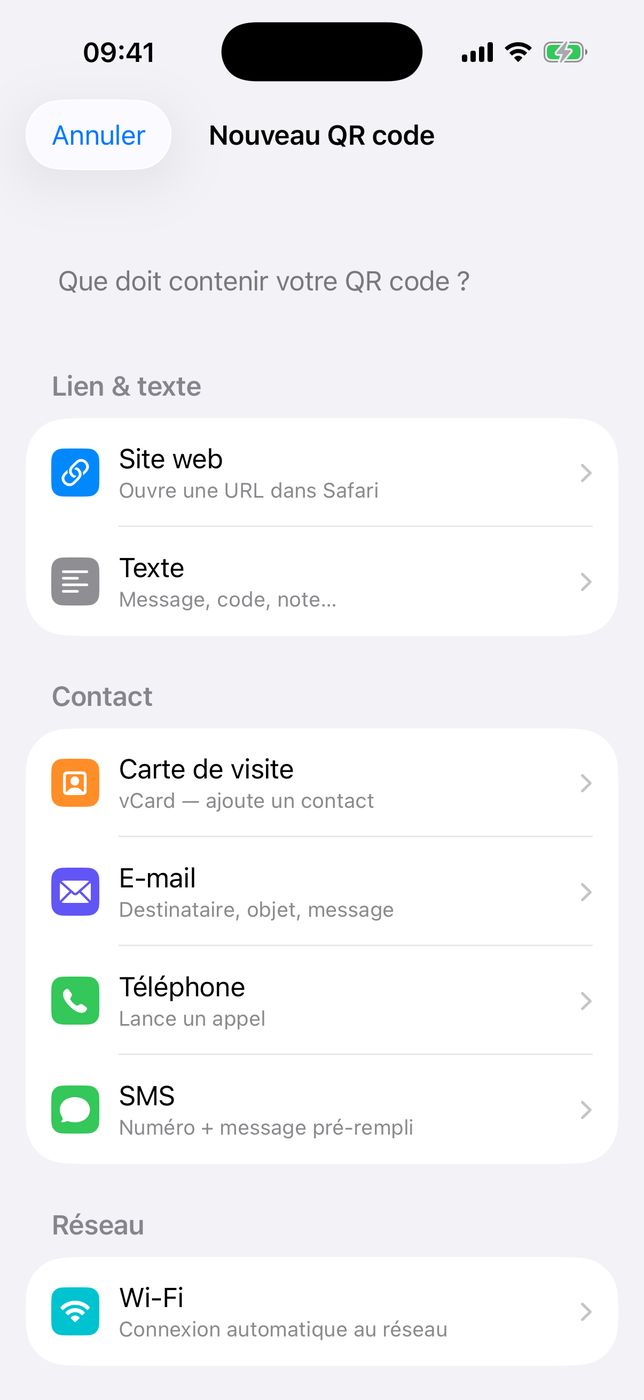
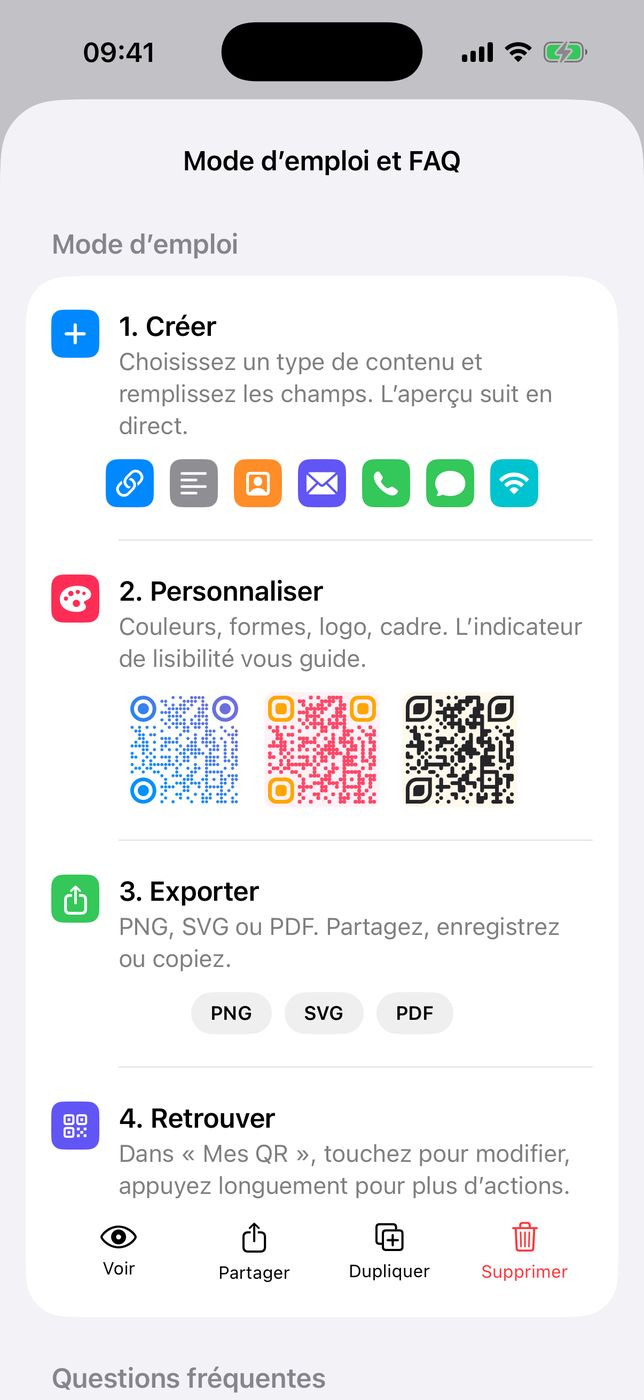
Lien, texte, carte de visite (vCard), e-mail, téléphone, SMS ou réseau Wi-Fi. Chaque type utilise un format standard, reconnu par l’appareil photo d’iOS et d’Android et par la plupart des lecteurs.Link, text, business card (vCard), email, phone, SMS or Wi-Fi network. Every type uses a standard format, recognised by the iOS and Android cameras and by most readers.
🎨 Couleurs et motifsColours and patterns
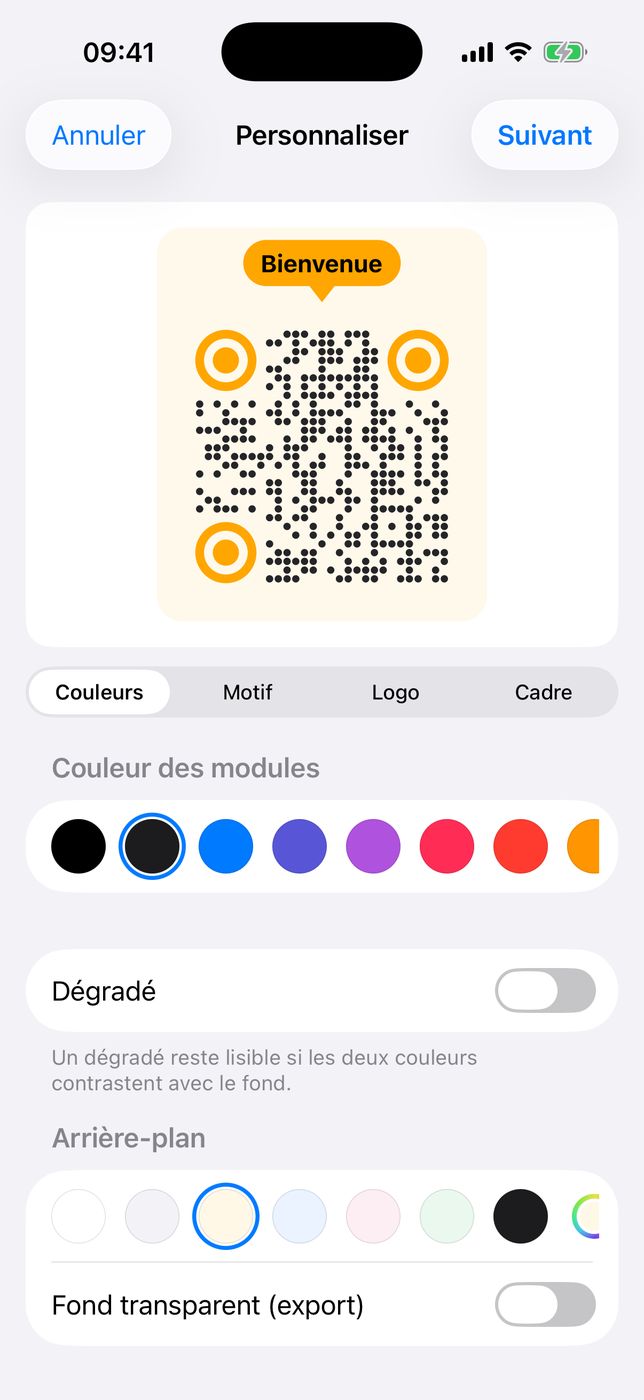
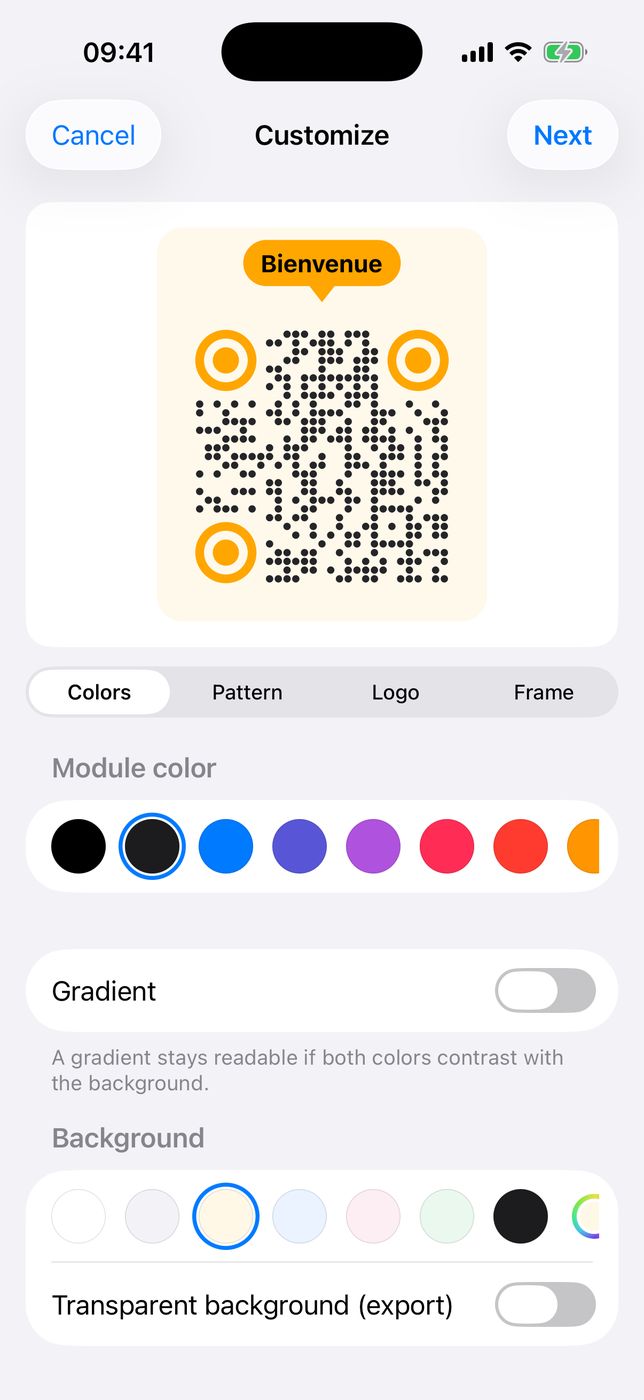
Modules carrés, arrondis, en points ou fluides ; yeux carrés, arrondis, en cercle ou en feuille. Couleur des modules et des yeux, dégradé, fond coloré ou transparent. L’aperçu suit chaque réglage en direct.Square, rounded, dot or fluid modules; square, rounded, circle or leaf eyes. Module and eye colours, gradient, coloured or transparent background. The preview follows every setting live.
🖼 Un logo au centreA logo in the centre
Une photo prise sur le moment, une image de la photothèque ou de Fichiers, ou l’une des huit icônes intégrées, posée sur un fond. Avec un logo, la correction d’erreur passe en H pour garantir la lecture.A photo taken on the spot, an image from your library or Files, or one of eight built-in icons, placed on a backing. With a logo, error correction switches to H to guarantee readability.
🏷 Cadres avec texteFrames with text
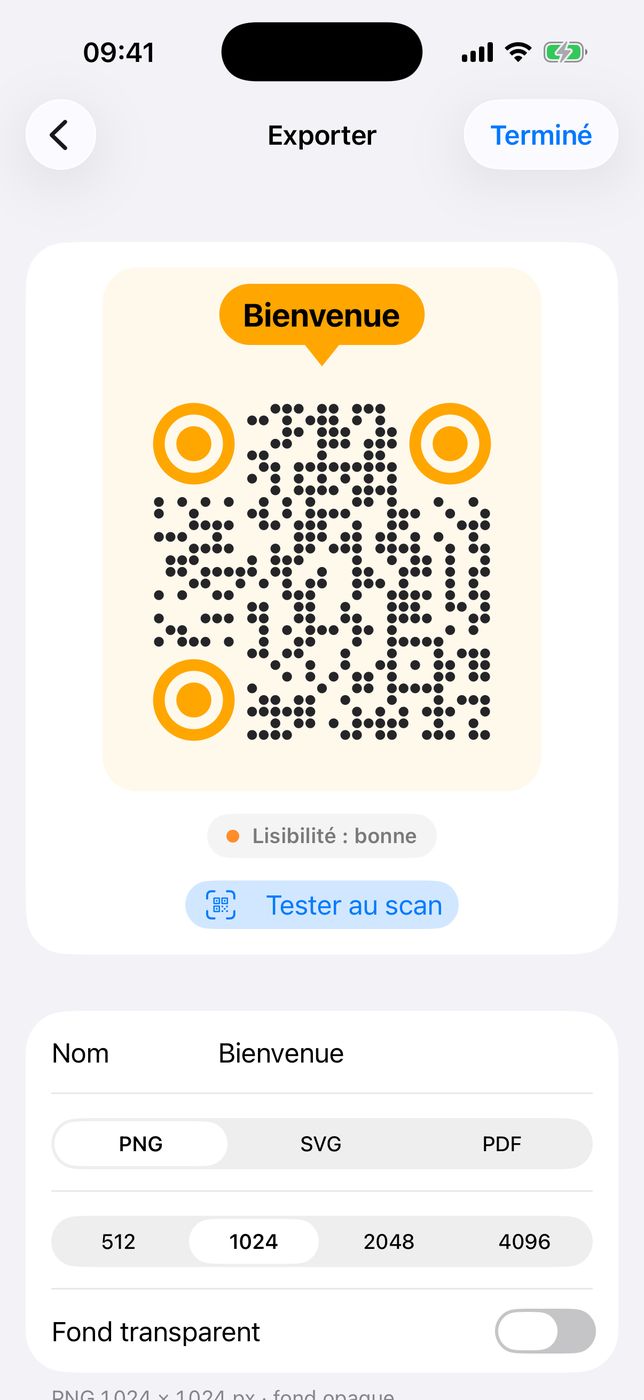
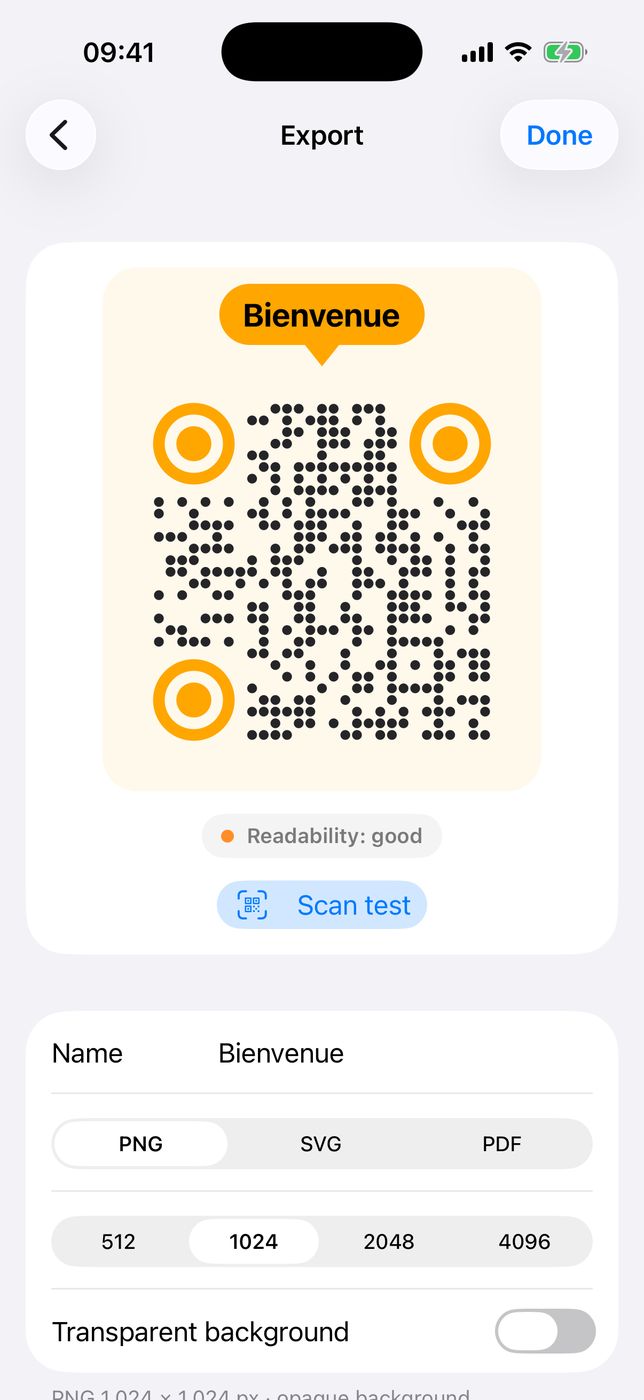
Étiquette, bulle ou bordure, avec le texte de votre choix (« Scannez-moi », un nom, une offre). Le texte est rendu en tracés : il reste net à toute taille et dans tous les formats.Label, speech bubble or border, with any text you like (“Scan me”, a name, an offer). The text is rendered as paths: it stays sharp at any size and in every format.
✅ Lisibilité vérifiéeReadability, checked
Un indicateur contrôle le contraste, la taille du logo et l’inversion des couleurs avant l’export. Le bouton « Tester au scan » affiche le code en grand pour l’essayer avec un autre appareil.An indicator checks contrast, logo size and colour inversion before export. The “Scan test” button shows the code full-size to try it with another device.
📤 PNG, SVG, PDFPNG, SVG, PDF
PNG de 512 à 4096 px, avec ou sans transparence ; SVG et PDF vectoriels, logo embarqué, strictement identiques au PNG. Partagez, enregistrez dans Photos ou Fichiers, ou copiez directement.PNG from 512 to 4096 px, with or without transparency; vector SVG and PDF, logo embedded, strictly identical to the PNG. Share, save to Photos or Files, or copy directly.
🗂 Mes QR codesMy QR codes
Tous vos QR codes dans une bibliothèque avec recherche, la même sur iPhone et iPad grâce à iCloud. Touchez pour modifier et réexporter ; appuyez longuement pour Voir, Partager, Dupliquer ou Supprimer.All your QR codes in a searchable library, the same on iPhone and iPad thanks to iCloud. Tap to edit and re-export; long-press to View, Share, Duplicate or Delete.
🔒 Privé par conceptionPrivate by design
Aucun compte, aucune publicité, aucun serveur tiers : la génération se fait sur l’appareil, hors ligne, et la synchronisation passe uniquement par votre iCloud. Français et anglais, mode clair ou sombre.No account, no ads, no third-party server: generation happens on the device, offline, and syncing goes only through your own iCloud. French and English, light or dark mode.